Create tabs
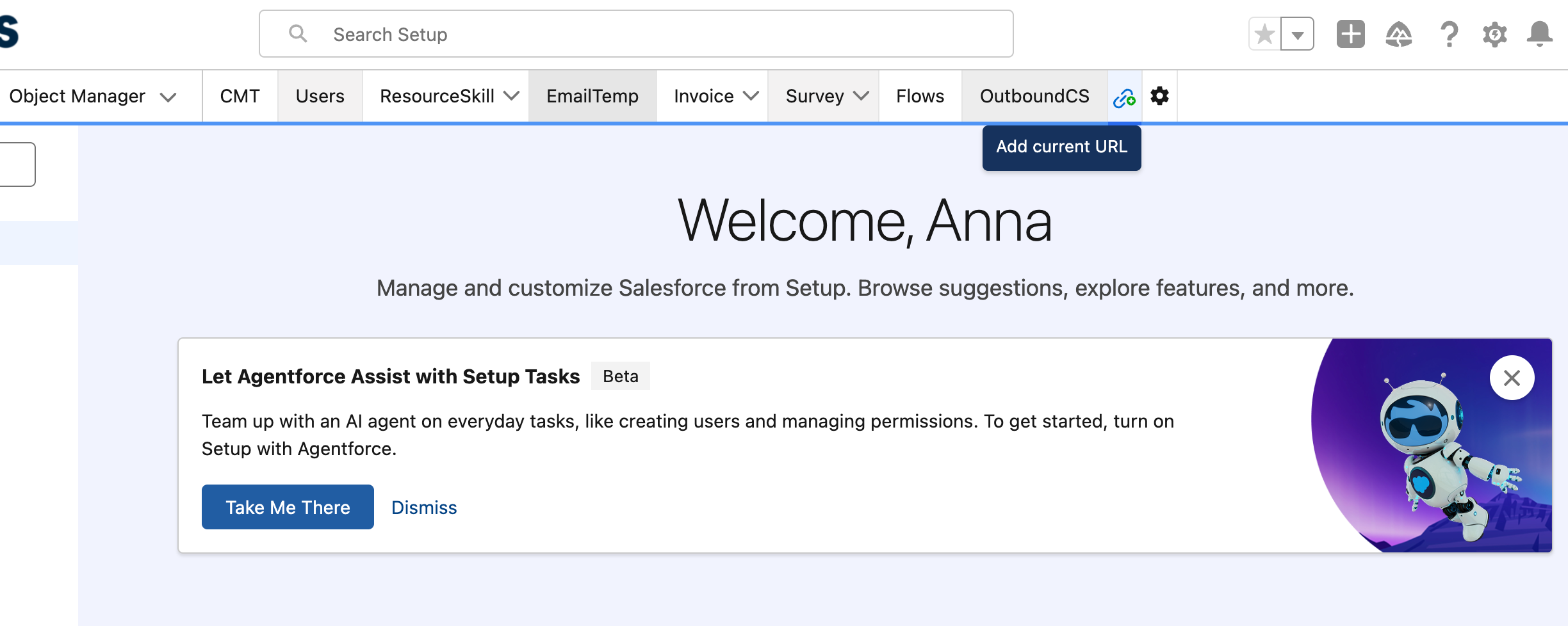
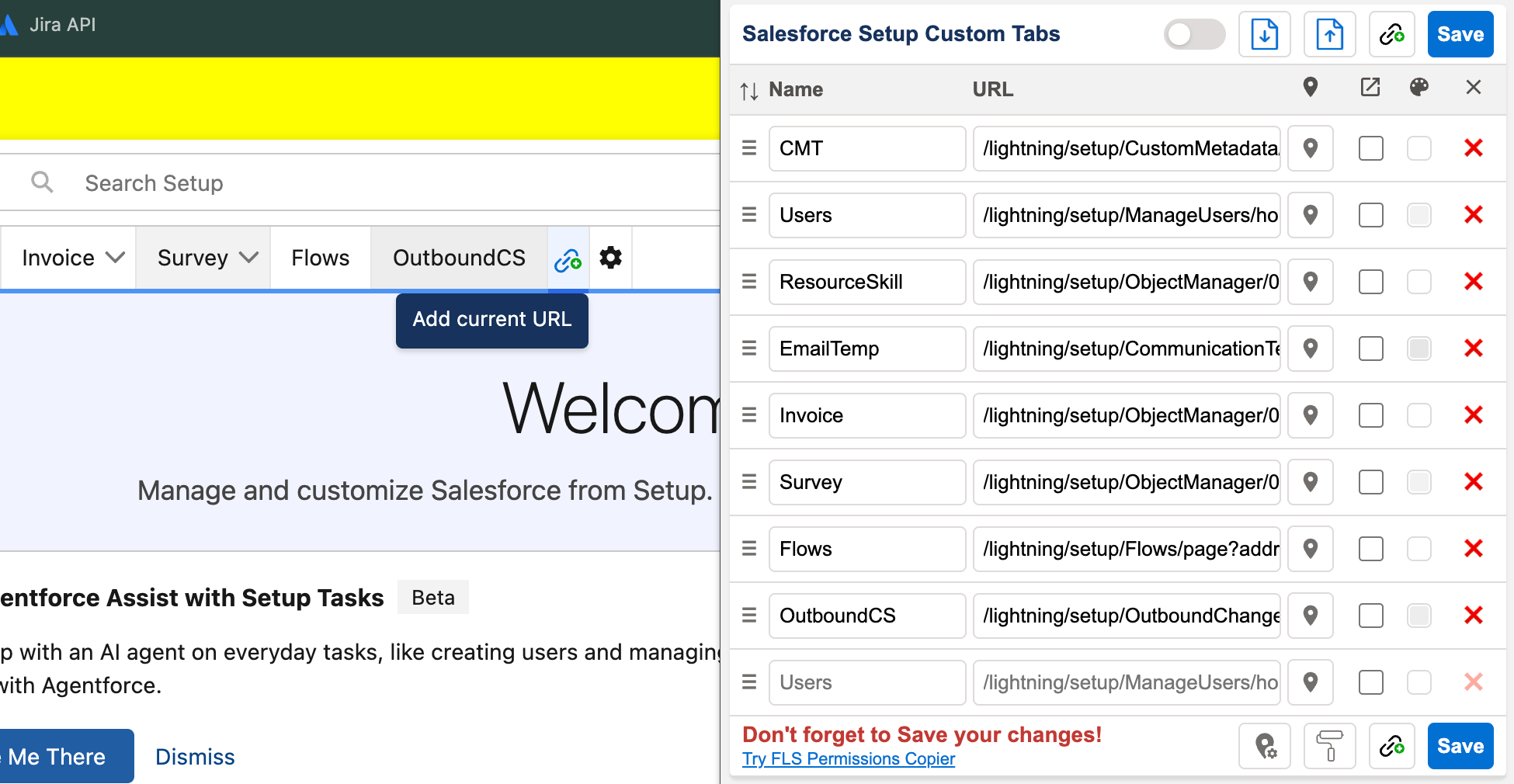
After you install the extension, a link icon appears next to the Object Manager tab. Click it to pin the Setup page you’re on as a tab.
Setup Custom Tabs adds your own tabs to Salesforce Setup’s navigation bar — Flows, custom Objects, Profiles, whatever you open every day — so you stop re-typing the same Quick Find searches.
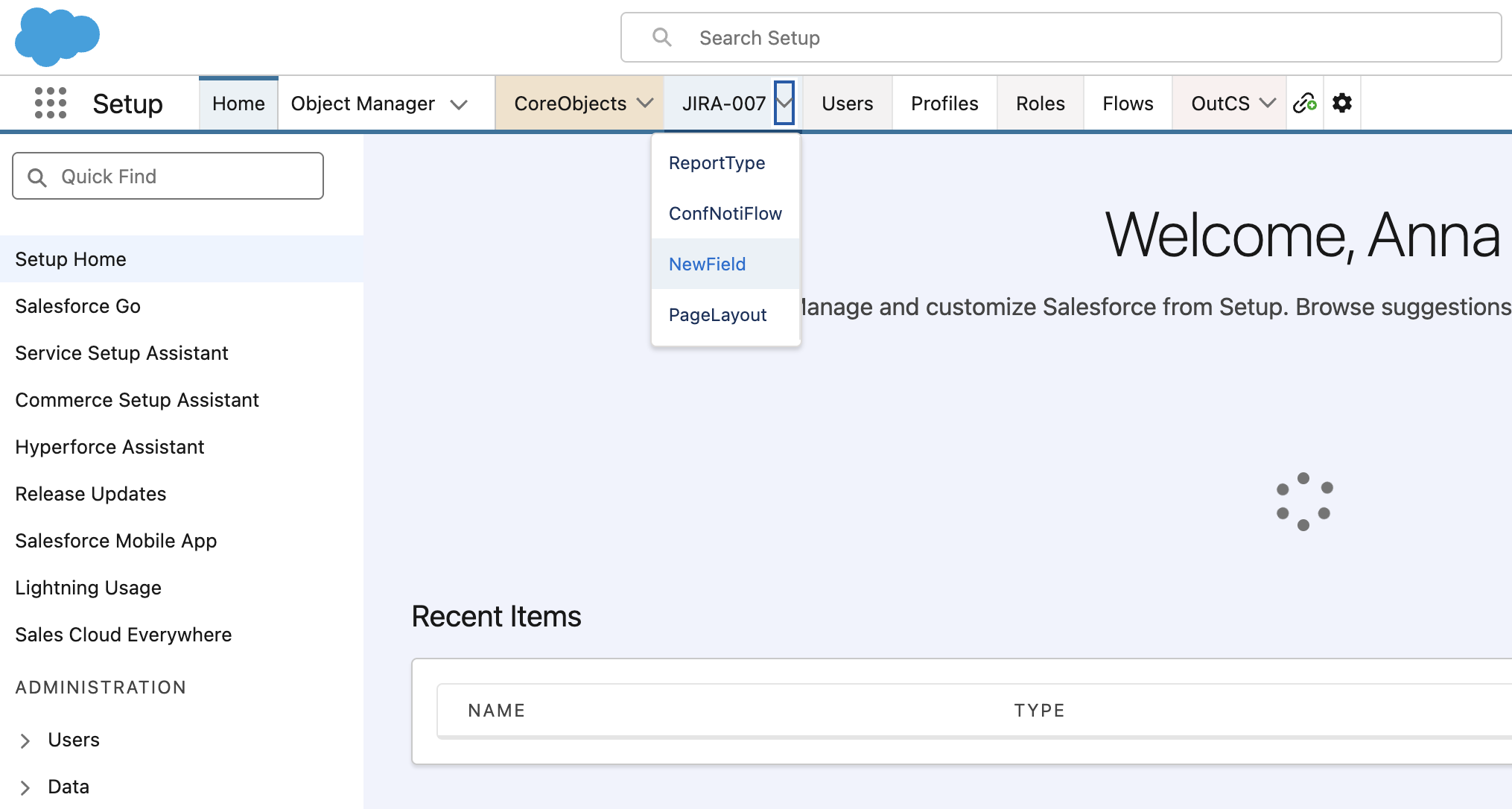
After you install the extension, a link icon appears next to the Object Manager tab. Click it to pin the Setup page you’re on as a tab.
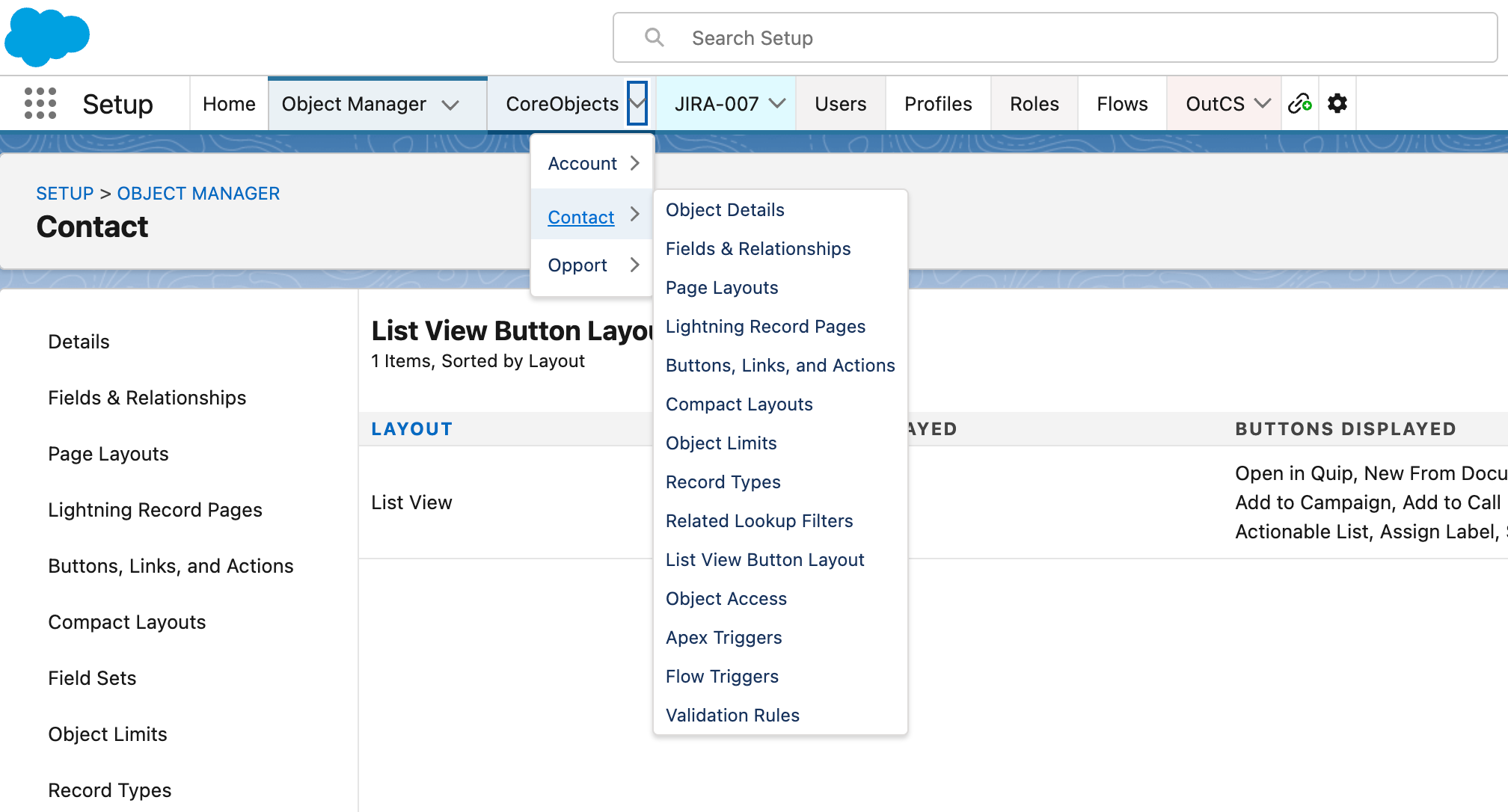
Tabs sit in Setup, so switching pages is one click and it uses Lightning navigation — no Quick Find, no browser bookmarks.
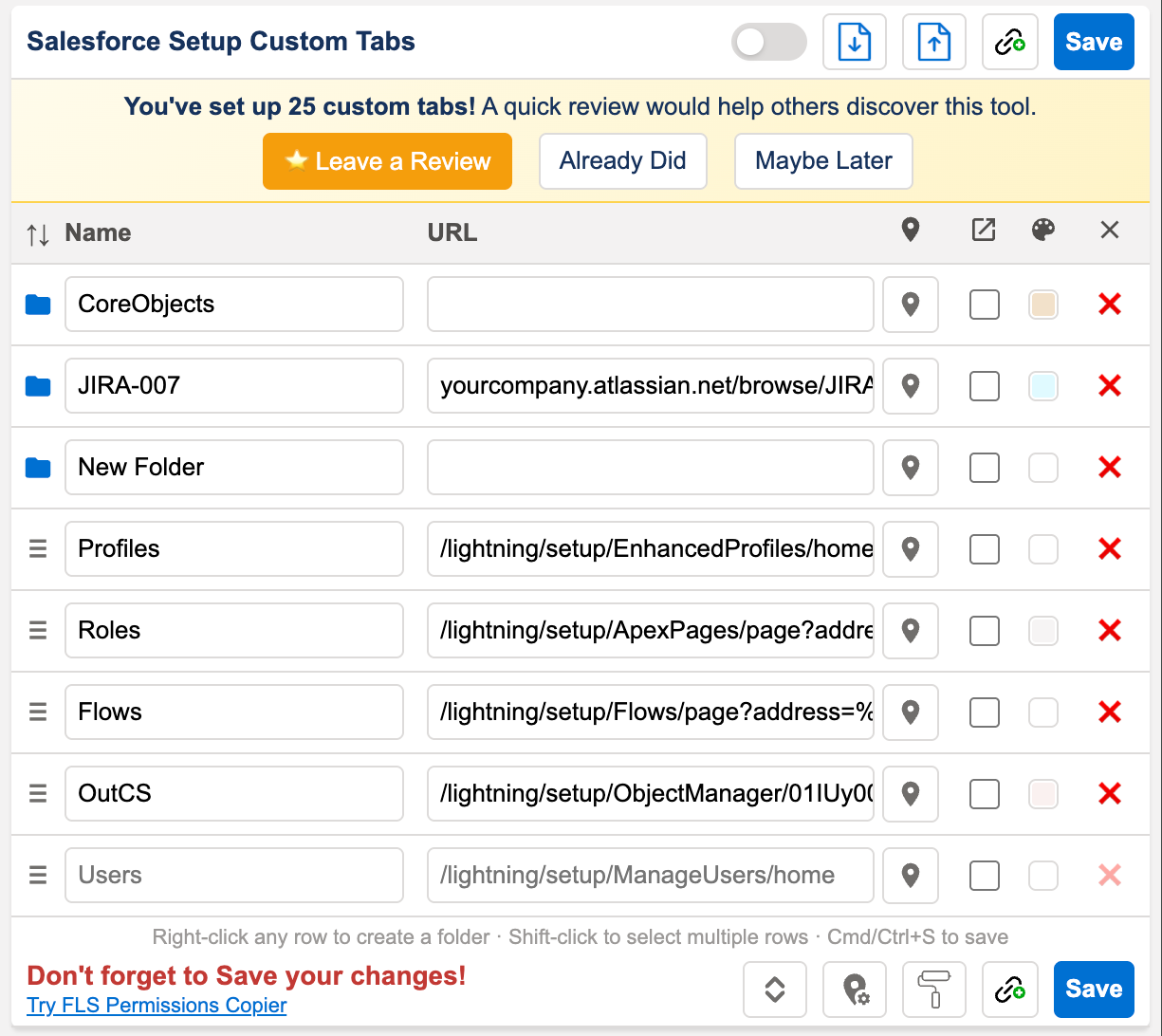
Rename, reorder, or remove tabs as your routine changes — click the gear icon to open the settings popup with all the options.
A tab misbehaving, or a Setup page that won’t pin? Email sfings.dev@gmail.com with “Custom Tabs” in the subject. See also the privacy policy.