Open the FLS page
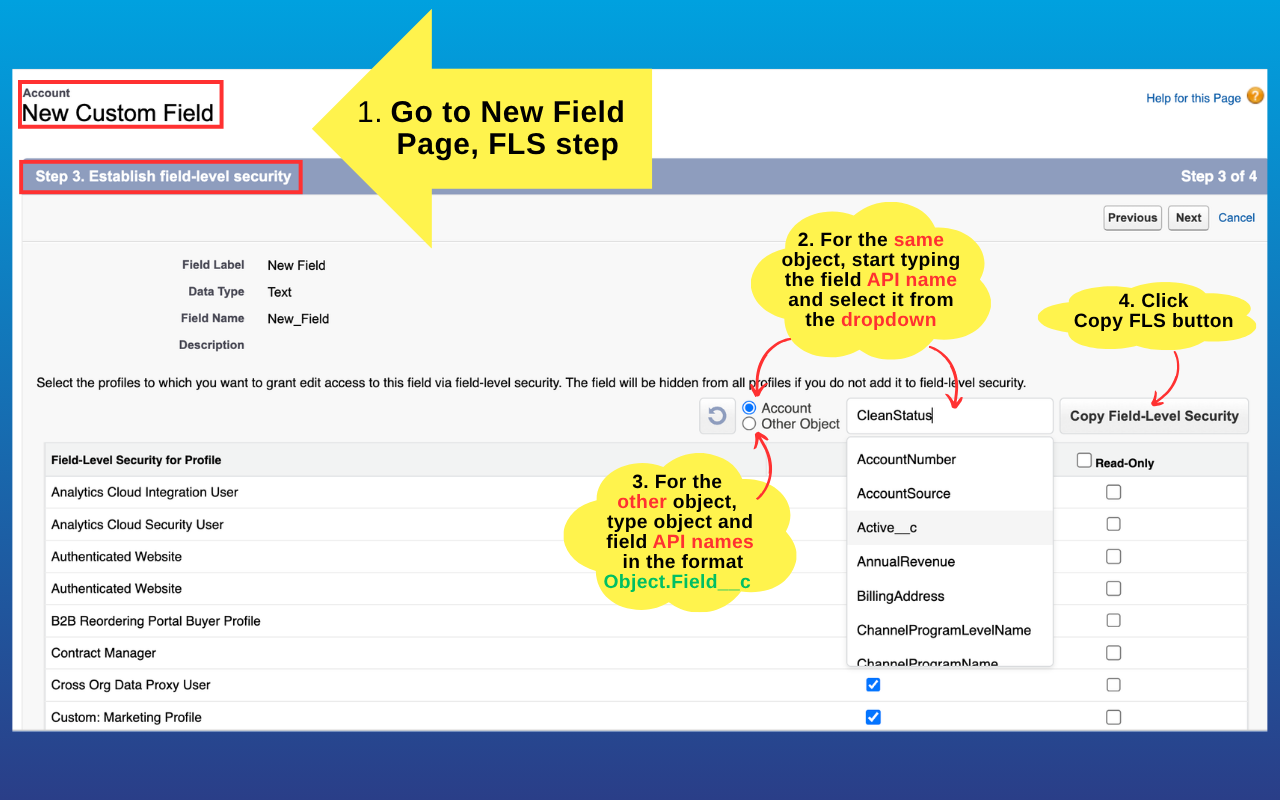
Open the target field’s Set Field-Level Security page — or the “Establish field-level security” step when creating a new field. The copier appears right on the page.
Pick a source field on any FLS page and every profile’s read/edit checkboxes flip to match it — review and save. No more profile-by-profile clicking.
Open the target field’s Set Field-Level Security page — or the “Establish field-level security” step when creating a new field. The copier appears right on the page.
Same object or a different one — choose it from the autocomplete dropdown or type its API name.
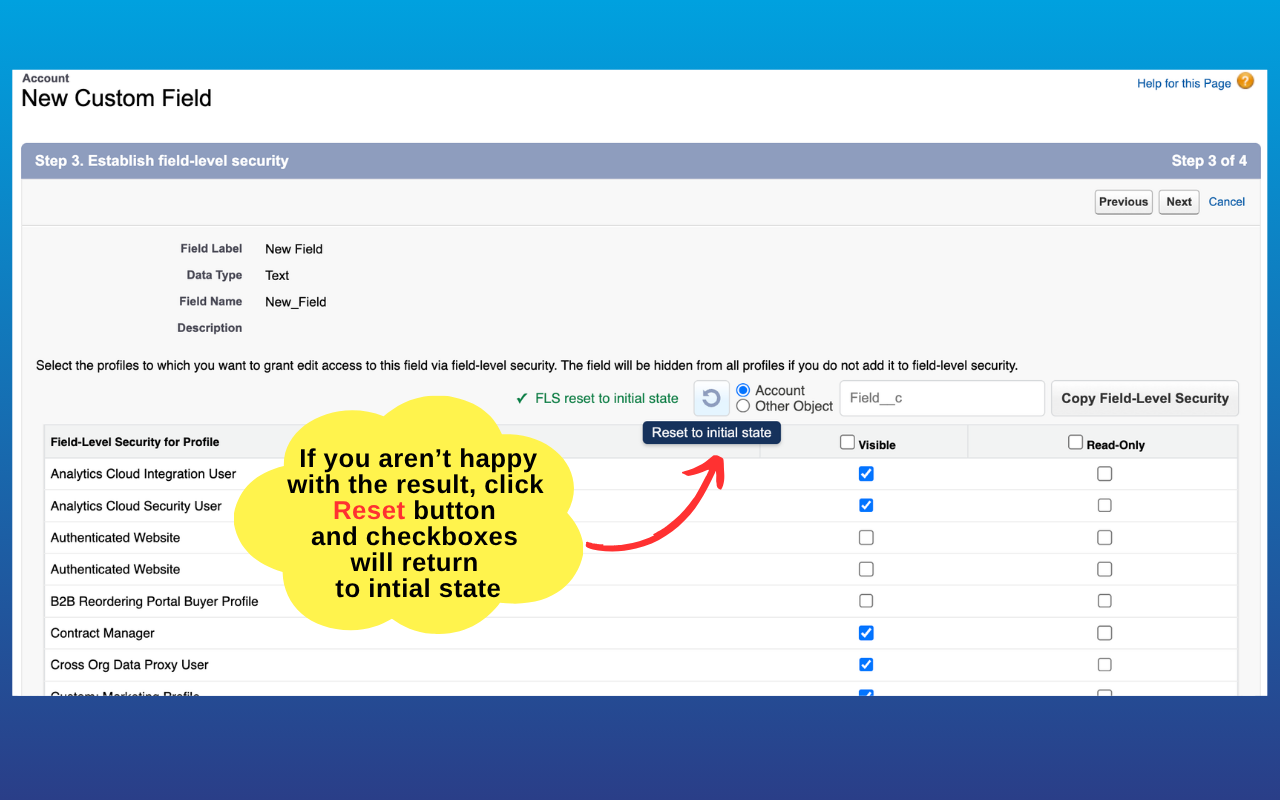
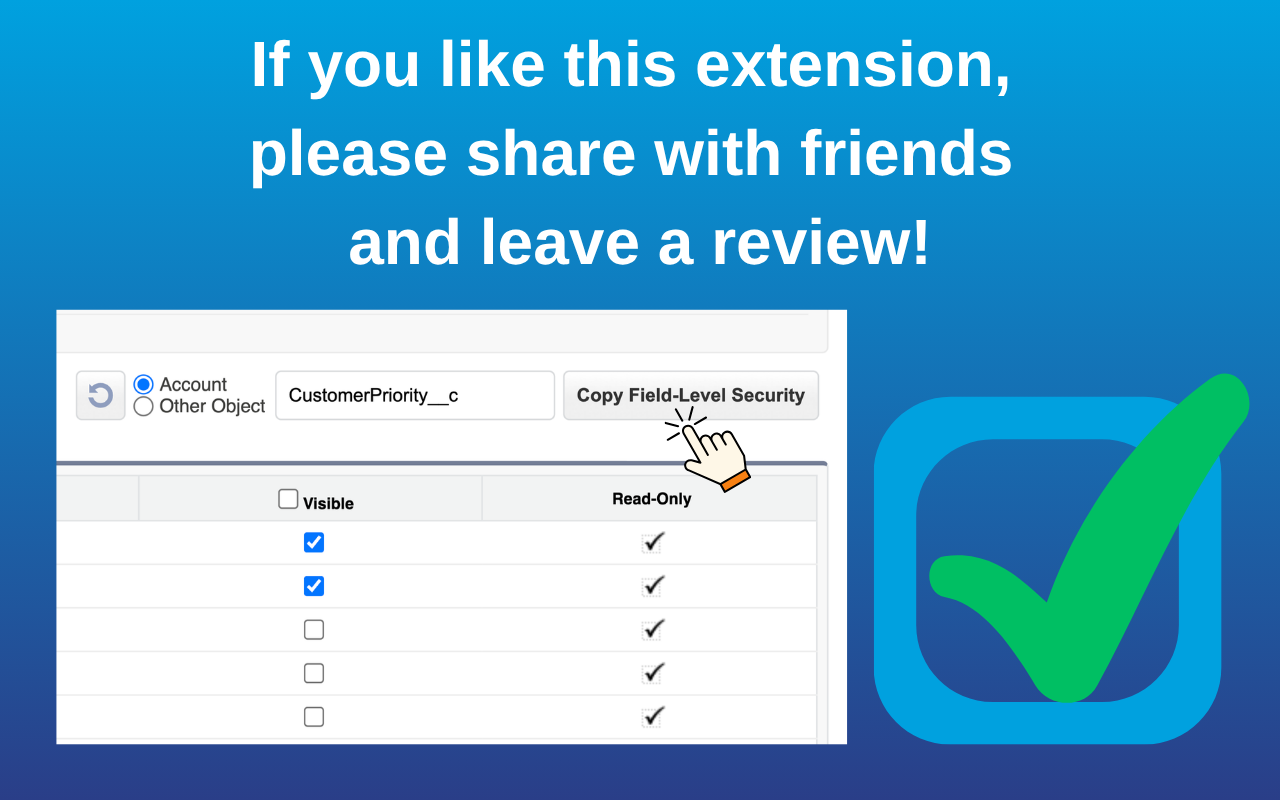
Click “Copy Field-Level Security” and every profile’s read/edit checkboxes flip to match the source. Reset undoes it — nothing changes until you click Save.
Object.Field__c — and click Copy.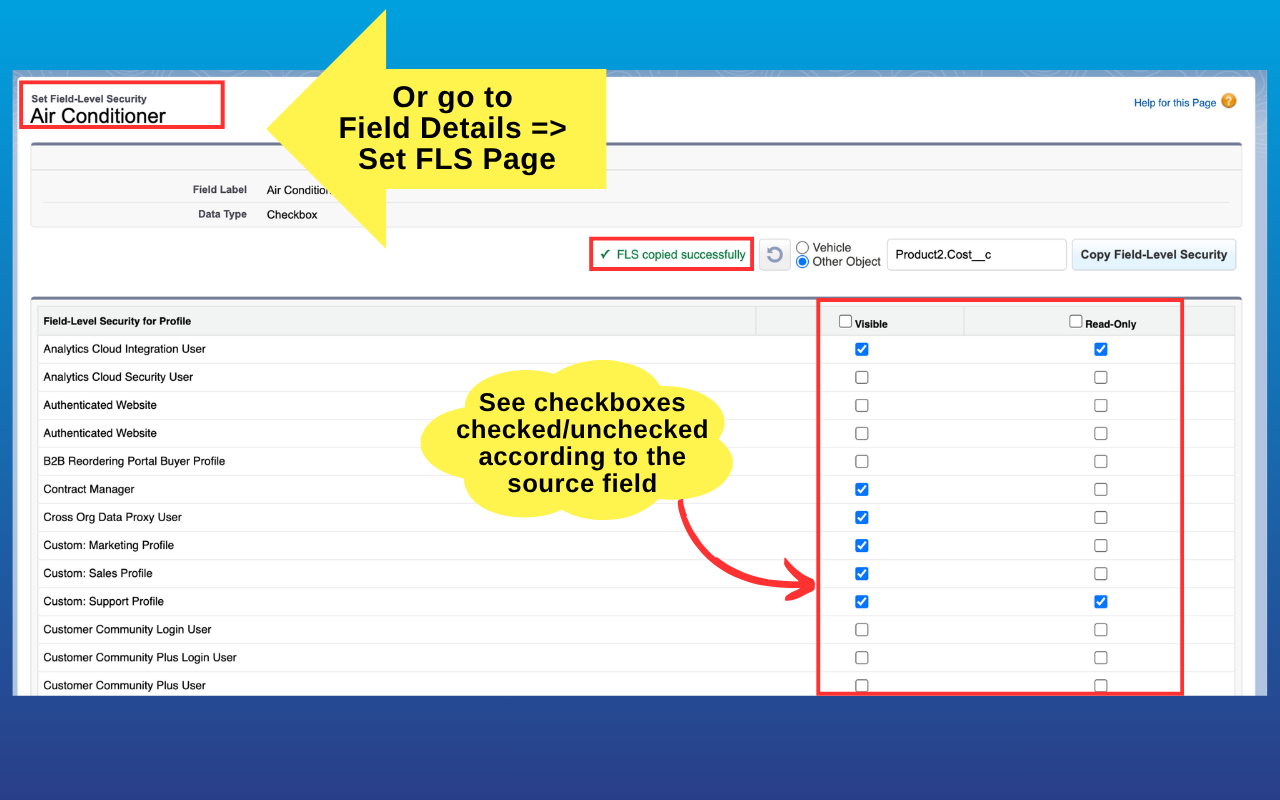
A field that won’t copy, or a profile that came out wrong? Email sfings.dev@gmail.com with “FLS Copier” in the subject. See also the privacy policy.